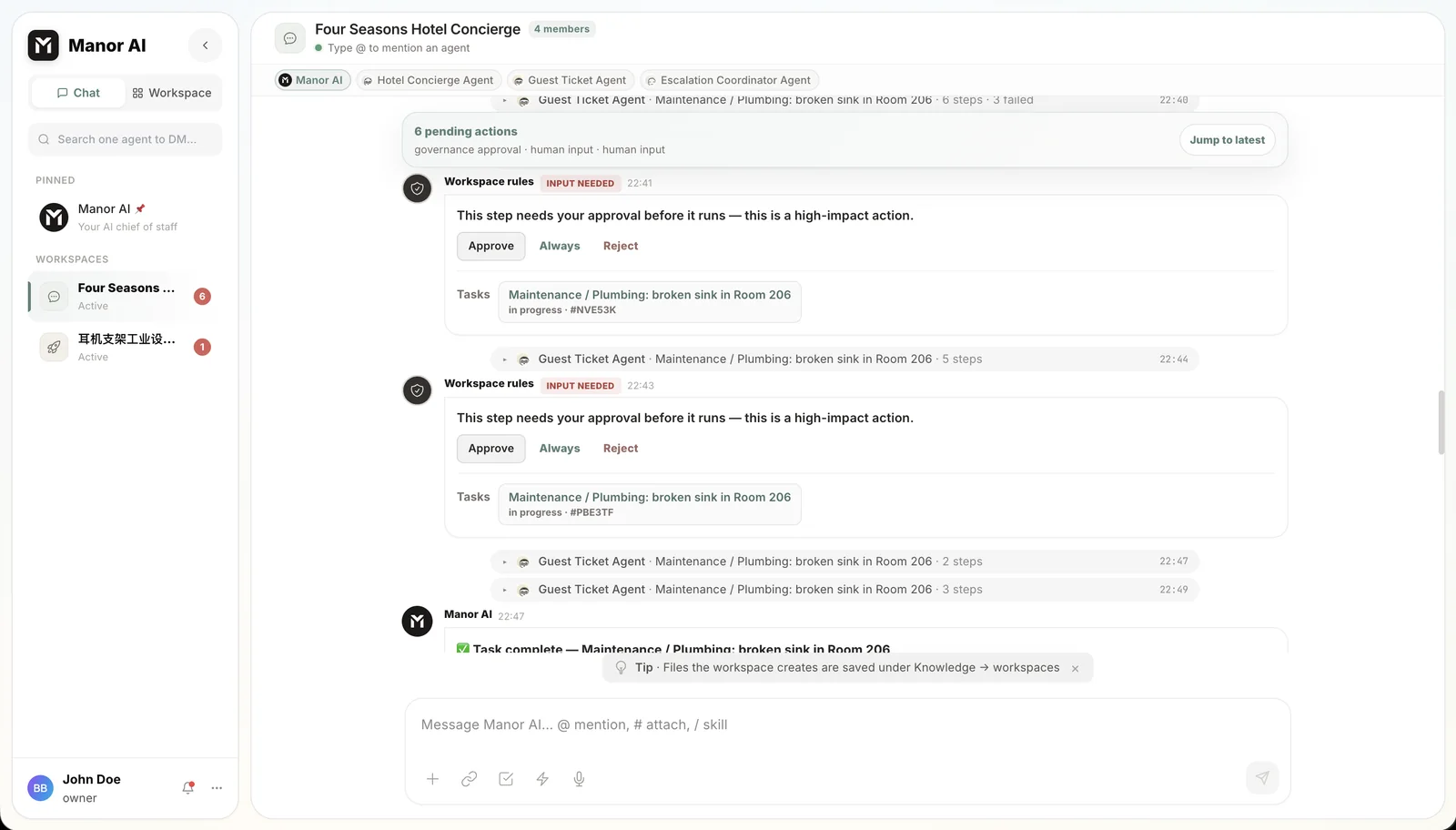
Inside every workspace
For example, a client-update workspace can hold the brief and weekly records as sources, give an agent instructions for a concise update, use the tools you connect, and put the draft in review before the team shares the result. This is an illustrative workflow, not a record of an executed run.


Watch it work
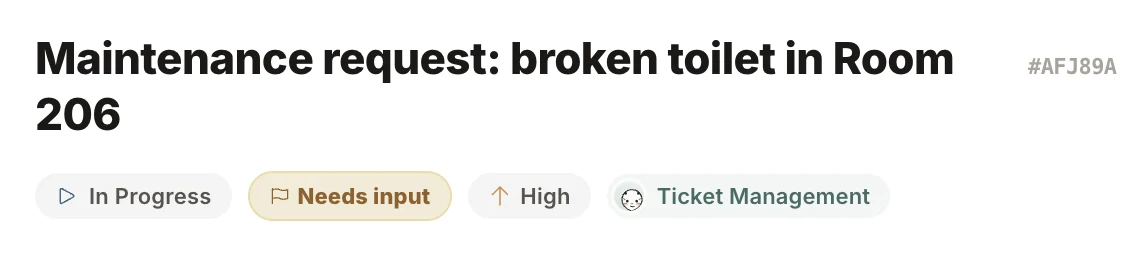
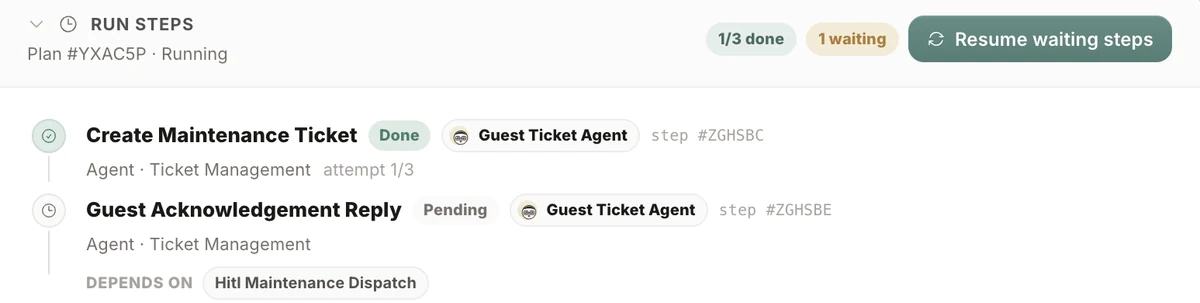
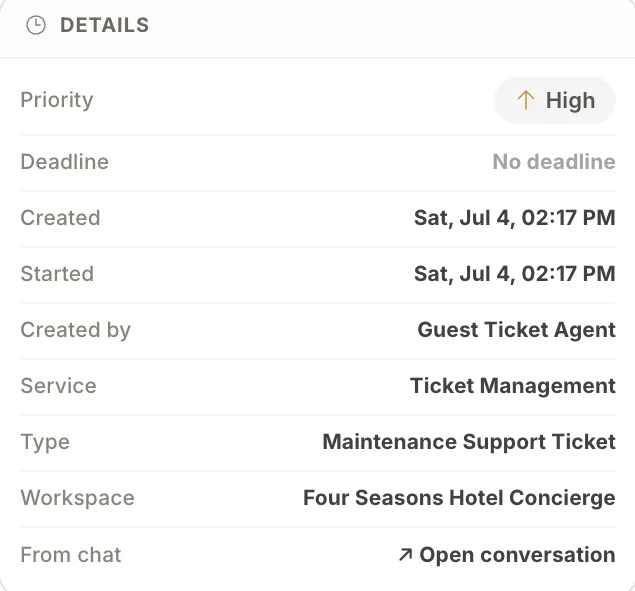
Agents plan the steps, do the work and log each one: who did it, and how long it took.
Activity logs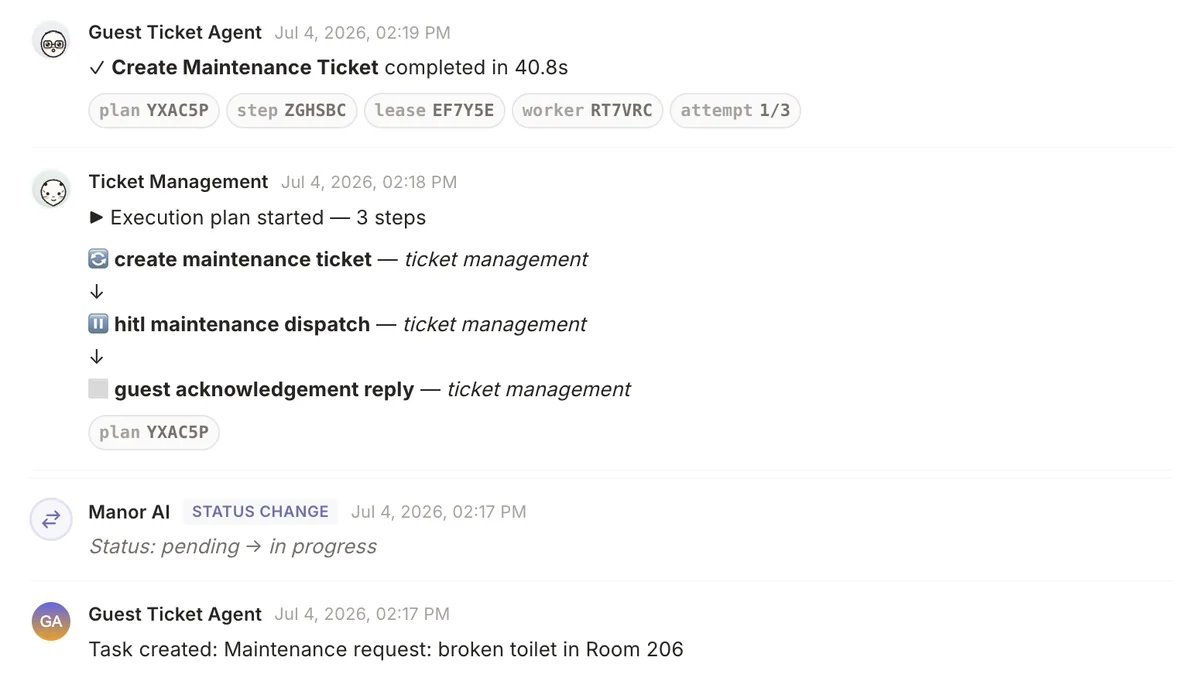
What it produces
Choose a task before choosing features
Each workflow needs source material, an expected result and someone to check it. Use these pages to see the setup and boundaries for a specific job.
What to check in an AI agent platform
-
Sources and supported tools
Check that the tools you need are available, connect your accounts and choose the material the agent should use. Test an answer whose source you already know.
Knowledge and citations -
Permissions and review
Set which actions can run and which need review. Test a routine input and a missing-source case, then inspect the activity history before expanding access.
Approval workflows and logs -
Cost per finished task
Compare plan limits, included credits, any paid template and external usage. Include the time you spend checking and correcting each result.
Estimate the total cost
Choose how you run it
-
Available now
Manor Cloud
Managed for you. Nothing to install.
- Team collaboration for companies
- Cloud computers your agents work on
- Plans shown in the app
-
Available now
Self-host
Source-available. Run it on your own servers.
- Your infrastructure and data
- Code on GitHub
-
In development
Manor app
A native app for Manor is on the way.
- Follow progress in the updates
Every feature, in depth
- WorkspaceBusiness AI Workspace for Small Business
- LibraryAI Agent Workflow Library
- BuilderAI Agent Builder
- SlidesAI Slide Deck Generator
- ServicesAI Consulting and Custom Workspaces
- SkillsReusable AI Skills
- InboxUnified Inbox AI Agent
- KnowledgeAI Knowledge Base with Citations
- ScheduleScheduled AI Agents
- ControlApproval Gates and Activity Logs
Start with the work you repeat
Build an agent around a business task, turn a brief into slides, prepare Gmail drafts for review, schedule recurring checks, or ground answers in a knowledge base. See the AI agent builder, presentation generation, the Gmail assistant, scheduled agents, knowledge with citations, or pricing.
Still choosing a tool? Compare the task, setup, and review requirements in our guide to AI assistants for business.
Want to see it in action?
Start a workspace, or book a free 30-minute consult.