Business decks
Create pitch decks, client proposals, product updates, course launch plans, service packages, and weekly business reports.
Turn prompts, notes, Markdown, and business context into reviewable slide decks. Manor can plan the deck, draft structured slides, create visual pages and diagrams, run quality checks, and export editable PPTX presentations.
Manor AI includes an AI slide deck generator for business presentations. It is built for teams that need editable PowerPoint decks from prompts, notes, Markdown, meeting context, business plans, workflow maps, or source text instead of another loose chat transcript.
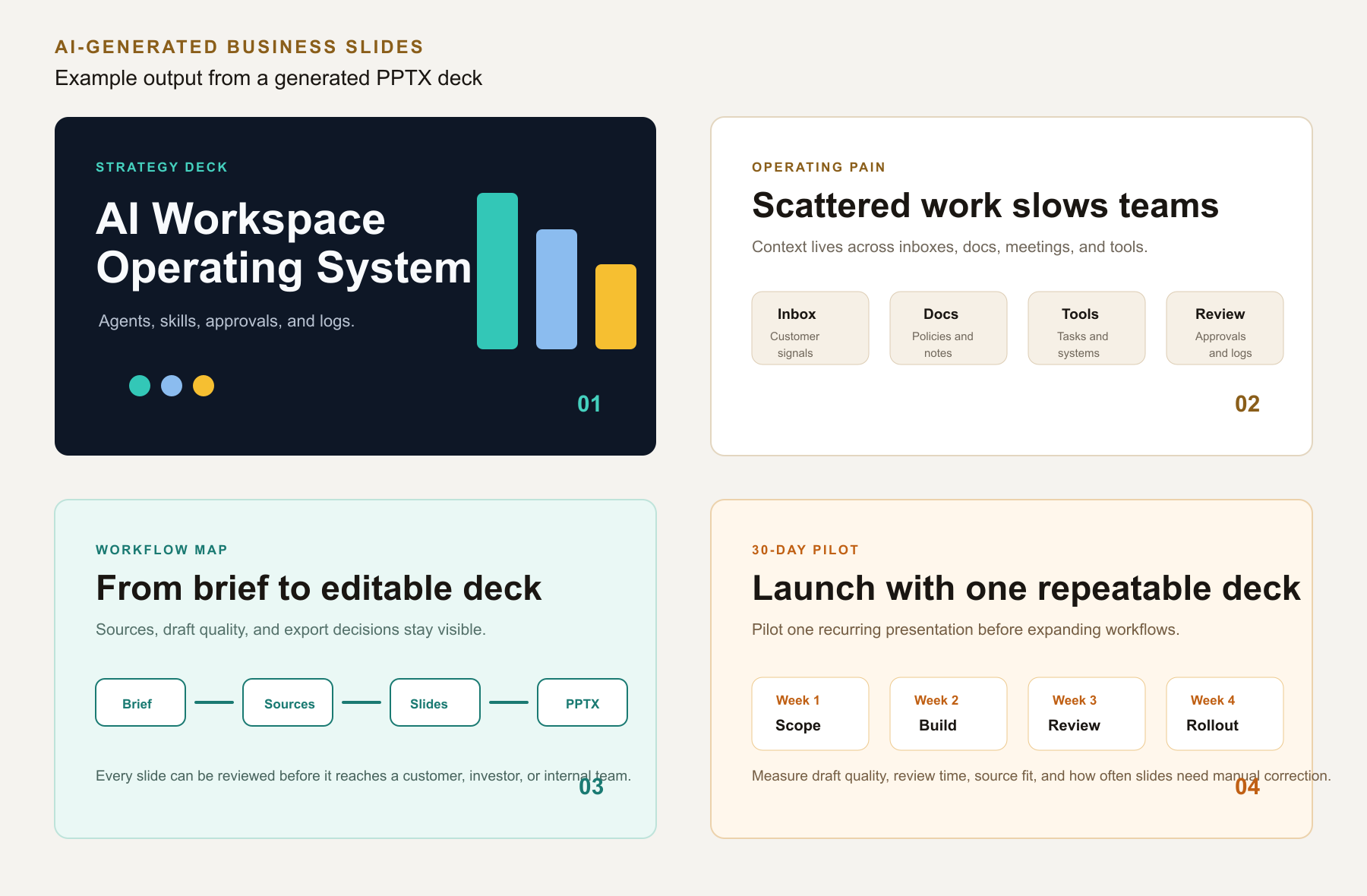
Create pitch decks, client proposals, product updates, course launch plans, service packages, and weekly business reports.
Turn operating knowledge into process maps, offer ladders, timelines, comparison slides, diagrams, and structured explanations.
Export a real PowerPoint file that can be reviewed, edited, shared, and reused by the team after Manor drafts the first version.
Start with a topic, a short business brief, meeting notes, Markdown, a launch plan, or text you want turned into a presentation.
Manor organizes the storyline, slide rhythm, sections, visual treatment, and what each slide should accomplish.
The generator creates slide pages with copy, structure, diagrams, charts, and speaker-note-friendly content where appropriate.
Review the deck for business accuracy, source context, claims, and design fit, then export the result as an editable PPTX file.
Yes. Manor can generate PPTX slide decks from requirements, prompts, notes, Markdown, or provided text, with an editable deck as the intended output.
Start with the shortest useful source: a topic, meeting notes, launch plan, Markdown outline, product brief, or business document text.
Yes. Manor's slide generation is designed for business visuals such as workflow maps, timelines, offer ladders, comparison slides, and process explanations.
Yes. Generated decks should be reviewed for business accuracy, source context, claims, visuals, and audience fit before being sent externally.
Create a Manor workspace to draft slides from business context, or book a free 30-minute consult to scope a custom deck workflow.